
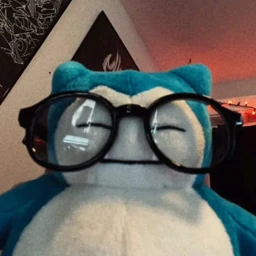
Nerdy Snorlax Discord PFP
Tags
No tags yet. Add the first one.
Discord preview
Share & embed
How to add it
Discord
- Download the file with the button above.
- Open User Settings and go to Profiles.
- Click Change Avatar, then Upload Image, and pick the file.
- Crop it, apply, and save your changes.
Steam
- Download the file with the button above.
- In Steam, open your profile and choose Edit Profile.
- Go to Avatar and click Upload your avatar.
- Pick the file and save.
X (Twitter)
- Download the file with the button above.
- On X, open your profile and tap Edit profile.
- Tap your profile photo and pick the file.
- Crop it and save.