
How to Use Discord Roles to Drive Engagement
Roles do two jobs: they hand out permissions and they hand out identity. Most servers only use the first, then wonder why a list of 40 roles changes nothing about how much people post.
A role is the cheapest reward Discord gives you. It costs nothing, it is visible next to every message the member sends, and it can be earned. Used well, roles turn lurkers into posters. Used badly, they become a 40-item list nobody can read and a permissions liability.
This is how to structure them so each one is doing a job.
The five jobs a role can do
| Role type | What it does | Who assigns it | Effect on activity |
|---|---|---|---|
| Access | Unlocks channels | Automatic or staff | None on its own |
| Identity | Signals an interest or platform | The member | Makes people findable, feeds pings |
| Progression | Marks time or activity in the server | A bot, by rules | Strongest long-term driver |
| Contribution | Marks helpers, creators, mods | Staff, manually | Retains your best 5% |
| Temporary | Event wins, monthly spotlights | Staff or a bot | Short spikes, high novelty |
Most dead role lists are 90% access roles. If a role does not appear in one of the other four rows, it should not be visible to members at all.
Build a progression ladder members can see
Three to five tiers is the ceiling. Beyond that nobody can name them.
- Make the first tier reachable in a week of casual posting. A ladder whose bottom rung takes a month may as well not exist for new members.
- Attach something real to each tier. Permission to post links or images, access to a members-only channel, the ability to create threads, a nomination vote at events.
- Name them in your server's language, not "Level 5". A cooking server's tiers should sound like a kitchen.
- Announce promotions in a public channel. The visible congratulation is doing more work than the role itself.
A leveling bot handles the mechanics. MEE6, Arcane and Tatsu all do XP-based role rewards, and there are plenty of alternatives in the leveling bots category. Whichever you pick, exclude off-topic and spam-prone channels from XP or you are training people to post noise.
Make identity roles self-serve
Never make a member ask staff for a color or an interest tag.
- Discord's built-in onboarding can assign roles from the questions a member answers when they join, before they have posted anything. This is the highest-conversion place to hand out identity roles, and members can change their answers later under Channels & Roles, so on a Community server it covers most self-serve roles without a bot.
- For everything after that, use a button or reaction role panel. Carl-bot is the common choice, and the reaction role bots listing has others if you want something lighter.
- Group the panel by question, not by role. "Which games do you play?" beats a wall of 30 buttons.
- Hoist at most two or three roles in the sidebar. If everything is displayed separately, the member list becomes unreadable and staff stop standing out.
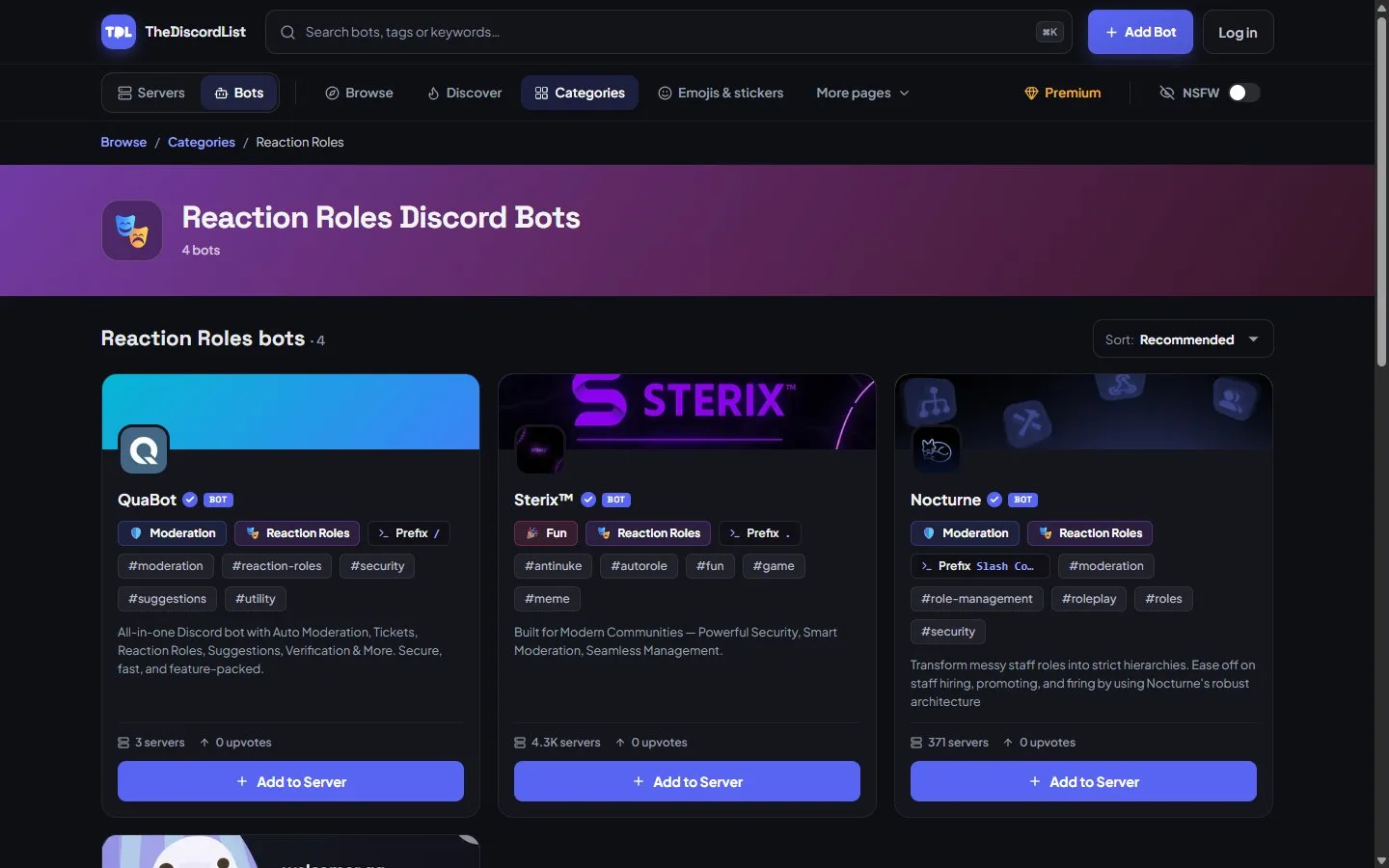
Reaction role bots on TheDiscordList.
Turn interest roles into permission to notify
This is the part most servers miss. An opt-in interest role is a mailing list you are allowed to use.
Make every interest role mentionable, then write one rule: only the person running the relevant event or thread may ping it, once. Members who opted in expected the ping, so it reads as service instead of spam, and your event turnout stops depending on whoever happens to be online.
Keep @everyone for things that affect the whole server: outages, rule changes, the one big annual event. Two or three uses a year keeps it powerful.
Five ways role systems go wrong
- Role bloat. Every event, every joke, every phase leaves a role behind. They accumulate and the list stops being scannable.
- Reward inflation. Handing top-tier roles to friends devalues the ladder for everyone who earned it.
- Permissions hiding in decorations. A color role carrying Manage Messages or Mention Everyone is a real security hole. Check every self-assignable role for dangerous permissions before you put it on a panel.
- Hierarchy mistakes. A bot cannot assign a role positioned at or above its own. Half of all "the reaction roles stopped working" reports are this.
- Cosmetic-only ladders. If a tier unlocks nothing, people notice within a week and stop caring.
A 45-minute role audit
- Open Server Settings → Roles and scan the member count next to each role.
- Delete anything with fewer members than your staff team that is not an access role. Nobody will notice.
- For each surviving role, write one sentence saying which of the five jobs it does. No sentence, no role.
- Check the permissions on every self-assignable role. Strip anything beyond the default set.
- Fix the hierarchy so bot roles sit above everything they need to assign.
- Rebuild your role panel grouped by question, with a one-line explanation above each group.
Then open your server as a new member would see it and check whether a first-time visitor can tell, from the sidebar alone, what this community is about and how someone becomes part of it.
Start with the audit. Cutting 20 dead roles takes an afternoon and makes every remaining role worth more.