
NSFW vs SFW Discord Servers: Getting the Label Right
NSFW listings stay hidden until a signed-in user opts in. Here is what the flag actually controls, how to set it honestly, and why the correct label puts you in front of more of the right people.
"NSFW" means not safe for work — content meant only for adults, such as explicit or mature material. "SFW" means safe for work — everything else. If you list a Discord server on a directory, labelling it correctly is not optional housekeeping; it decides who can see your server, whether search engines trust it, and whether it stays listed at all. This guide explains what listing owners need to know.
SFW vs NSFW in one line
- SFW — general-audience communities. Visible to everyone by default.
- NSFW — adult-only communities, or ones with a dedicated adult section. Hidden from anyone who has not opted in.
Discord itself requires age-restricted content to live in age-gated channels, and its Community Guidelines set hard limits on what is allowed at all. A directory listing sits on top of those rules — it does not replace them.
NSFW servers are hidden by default on TheDiscordList
This is the part most owners miss. On TheDiscordList, NSFW listings do not appear in normal browsing, search, or category pages for the average visitor. They stay filtered out until a visitor explicitly turns them on.
To see NSFW servers, a visitor must:
- Turn on the NSFW switch in the top navigation — or, when signed in, Show NSFW servers and bots under Settings → Profile.
- Confirm they are 18 or older.
Until that switch is on, 18+ listings are hidden everywhere — browsing, search and recommendations — so nobody stumbles into adult listings by accident. As an owner, that means an accurately-tagged NSFW server is only ever shown to adults who have chosen to see it.
Set the flag honestly when you list
When you create or edit a listing, you set its Content rating to tell us whether it is NSFW. Bots get the same switch. Get this right:
- Your server has any adult content, channels, or theme → mark it NSFW.
- Your server is general-audience → leave it SFW.
Mislabelling an NSFW server as SFW is one of the fastest ways to get moderated. Listings that hide adult content behind a safe label can be hidden or removed, because they push mature material in front of people — including minors — who never opted in. Every new listing and every content edit is screened automatically before it goes live: adult content on a listing not marked NSFW gets it rejected, or suspended if it is already live. Reports from visitors catch the rest.
Why correct labelling actually helps you
Marking a server NSFW can feel like burying it. It is the opposite:
- You reach the right audience. The people who opted in are the ones actually looking for adult communities. A correct flag connects you to them instead of to visitors who will bounce.
- You avoid removal. A correctly-labelled listing is a stable listing. A mislabelled one is a takedown waiting to happen.
- You protect your reputation. Communities that respect the toggle get treated as trustworthy — by users and by us.
- Better for search. Search engines and directories both reward content that is honestly categorised. Deception gets buried; clarity gets surfaced.
A quick checklist for owners
- Decided honestly whether your server is SFW or NSFW
- Set the NSFW flag to match on your listing
- Kept adult content in Discord's own age-gated channels
- Confirmed your server follows Discord's Community Guidelines
- Written a description that matches the actual content
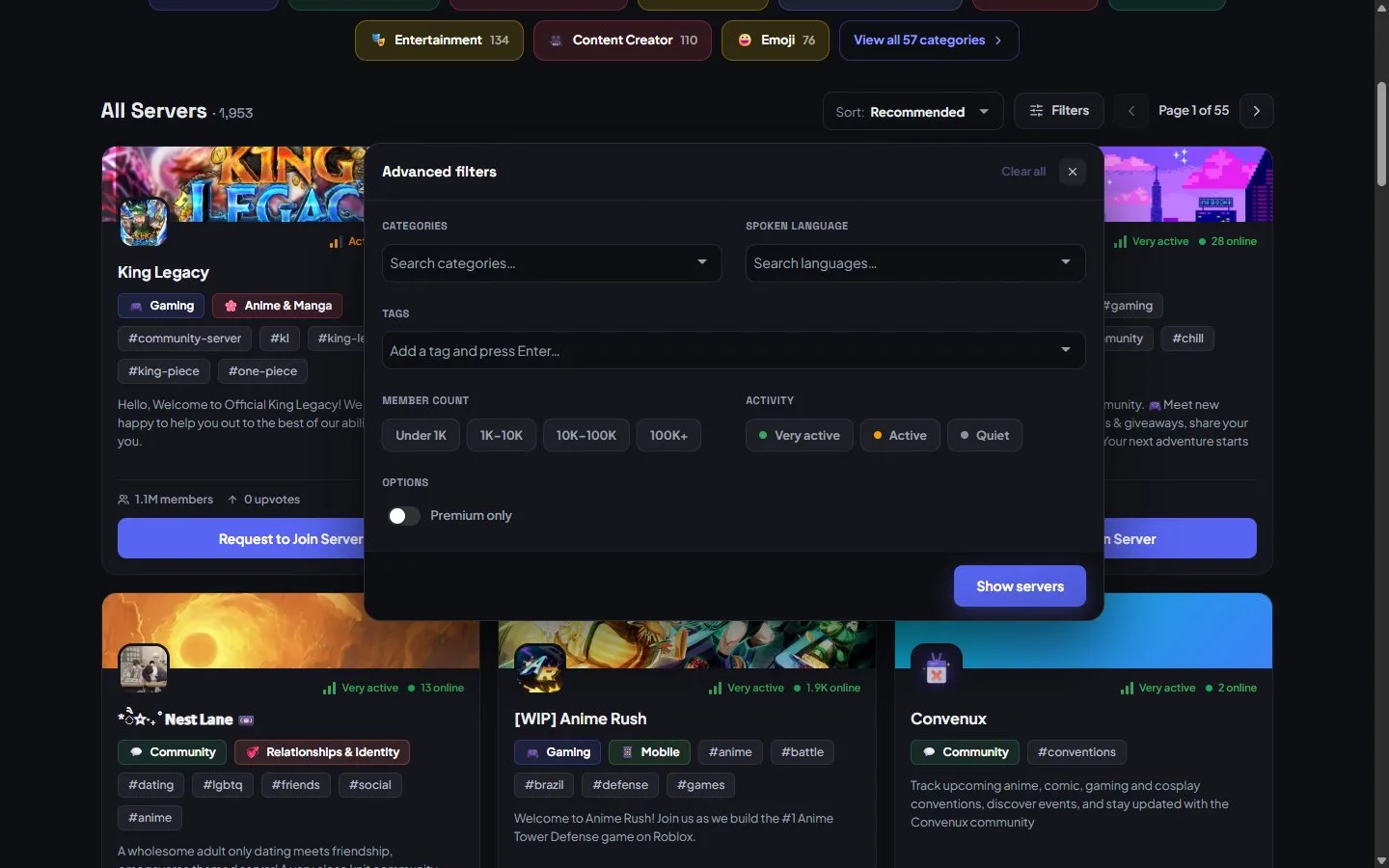
The NSFW switch sits in the header on every page; the filters panel narrows everything else.
For members: staying in control
If you are browsing rather than listing: NSFW servers stay off unless you switch them on, and you can switch them back off anytime with the same NSFW switch in the top navigation. You are always in control of what shows up.
Ready to list your own community, safe or adult? Add your server — set the flag correctly and the right people will find you.