
Free Discord Emojis and Stickers, Ready to Add to Your Server
TheDiscordList now has a free directory of more than 165,000 Discord emojis and 32,000 stickers from real servers. Search them, download them, bundle them into packs, or add one straight to your server.

Every server has a few emojis its members could not live without, and most of them were found the same way: someone spotted one in another server and asked where it came from. The servers listed here already carry those emojis, so we built the place where you can look them up.
The new directory lives at thediscordlist.com/emojis and /stickers. It holds more than 165,000 emojis and 32,000 stickers today, every one taken from a real server, and it grows as new servers join. It is free, and you do not need an account to browse or download.
Find the one you mean
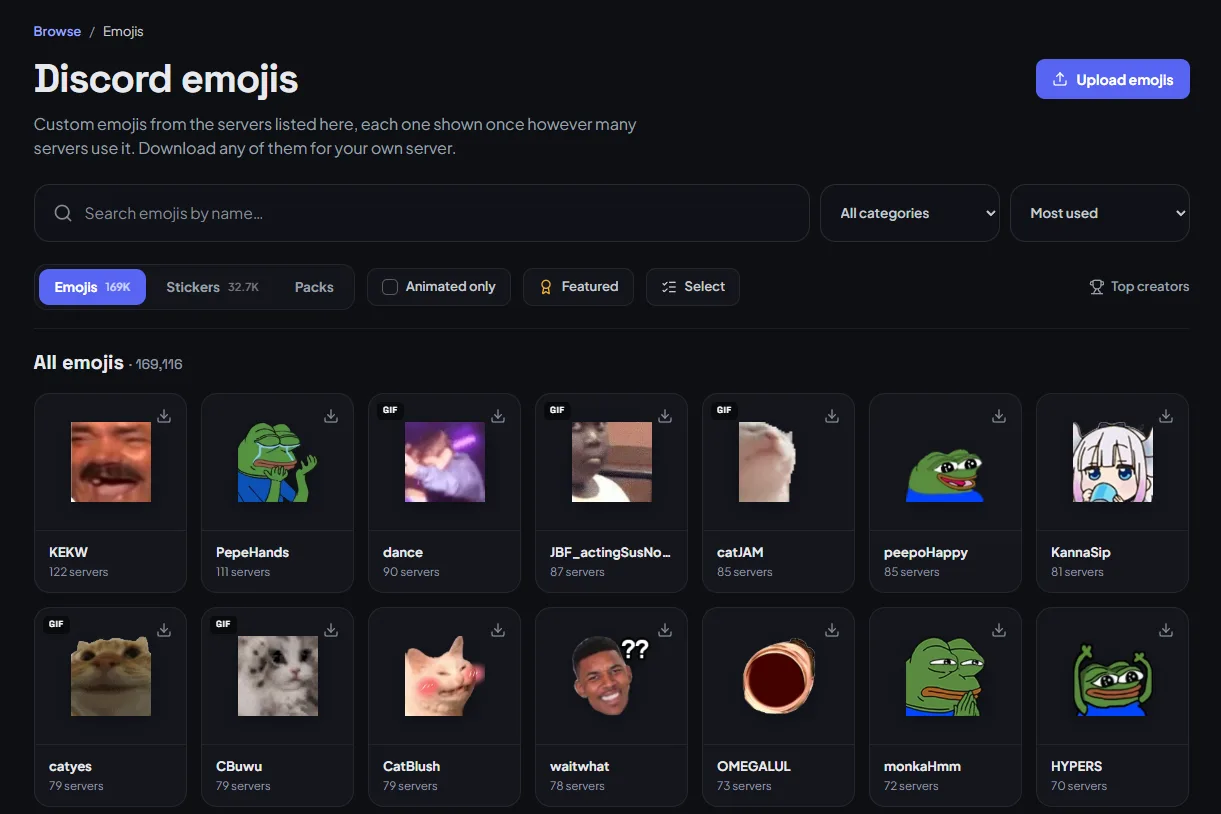
Search by name. The same emoji often goes by a different name in every server that uses it, so search matches all of them: look for kekw and you also find the copy someone else named pepe_laugh.
Narrow it down with the category menu, Animated only and Featured, then sort by Most used, Newest, Most downloaded, Oldest or A–Z. Most used means exactly that: how many listed servers carry it, which turns out to be a good sign that it is worth a slot.
Tags help too. Anyone signed in can add one to an emoji or sticker, and every tag gets its own page.
Every emoji gets its own page
Open one and you get everything you need to use it:
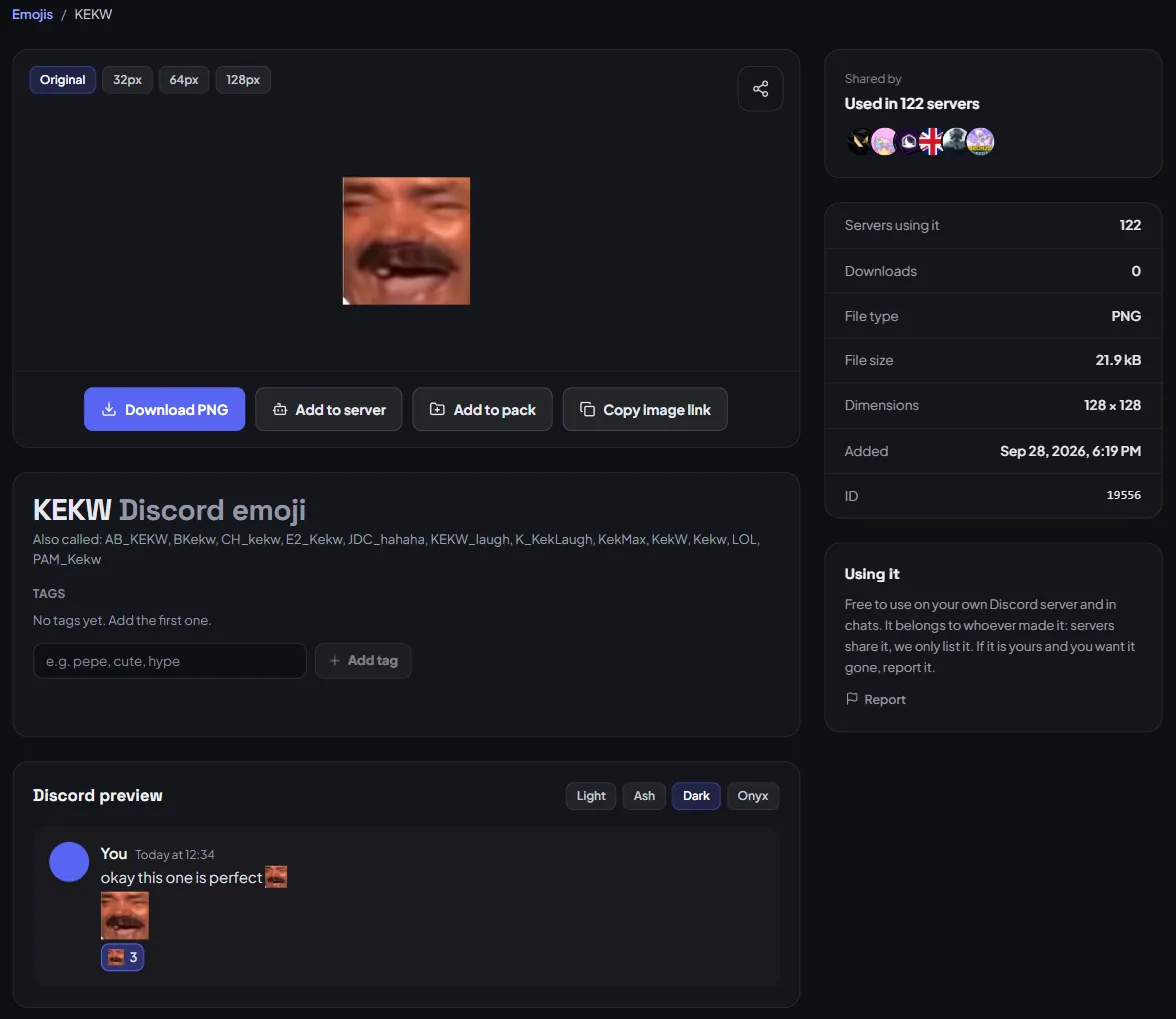
- Previews at real sizes. Switch between the original and 32, 64 and 128 px, and see it inside a Discord message in the Light, Ash, Dark and Onyx themes before you spend a slot on it.
- Download the original file, already named so Discord accepts it.
- Share & embed with a direct link, or an HTML or Markdown snippet.
- How to add it to Discord, Slack, Guilded, Twitch, Microsoft Teams and WeChat, step by step.
- Servers using this emoji, each with a link to join.
Add it to your server in one click
Downloading a file just to upload it again gets old. If you have listed a server here and our bot is in it, Add to server puts the emoji or sticker straight into that server. The bot needs the Manage Expressions permission, and it tells you if a server is out of slots. You can also ask an AI assistant: once you connect TheDiscordList to Claude or ChatGPT, "add a dancing cat emoji to my server" finds one and adds it for you.
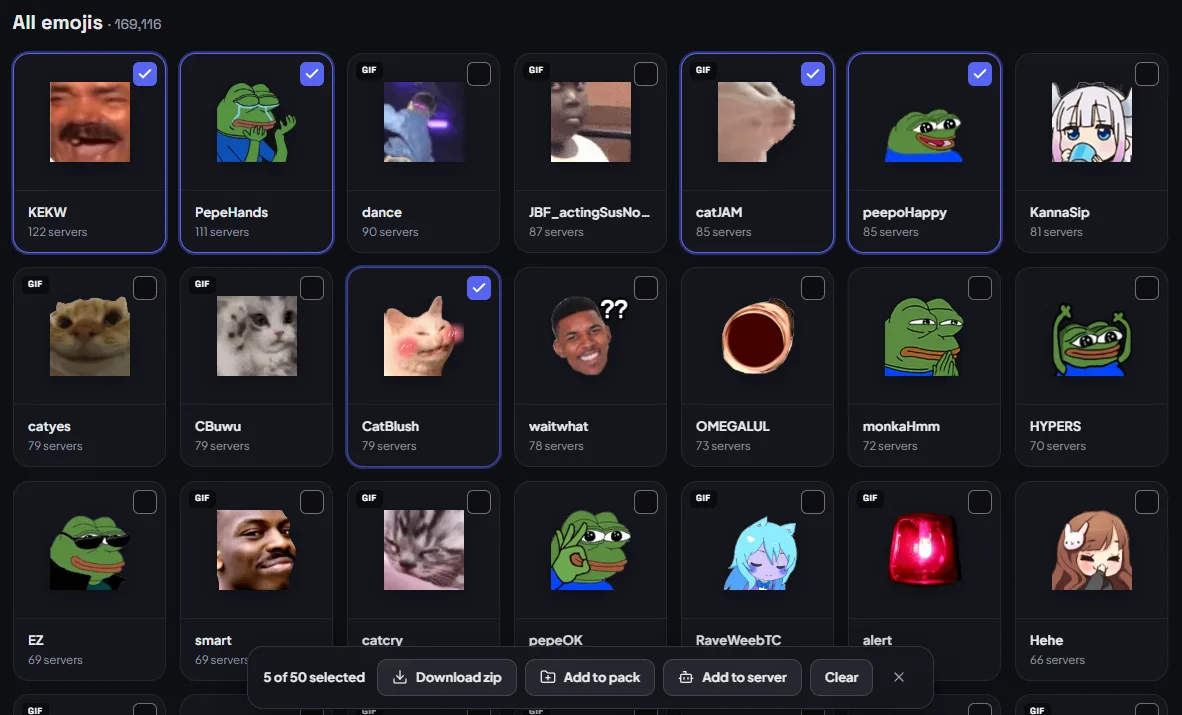
Need a dozen? Press Select above the grid, tick as many as you like, and the bar at the bottom lets you download them all as one zip, add them to a pack, or add them to a server in one go.
Packs: a whole set at once
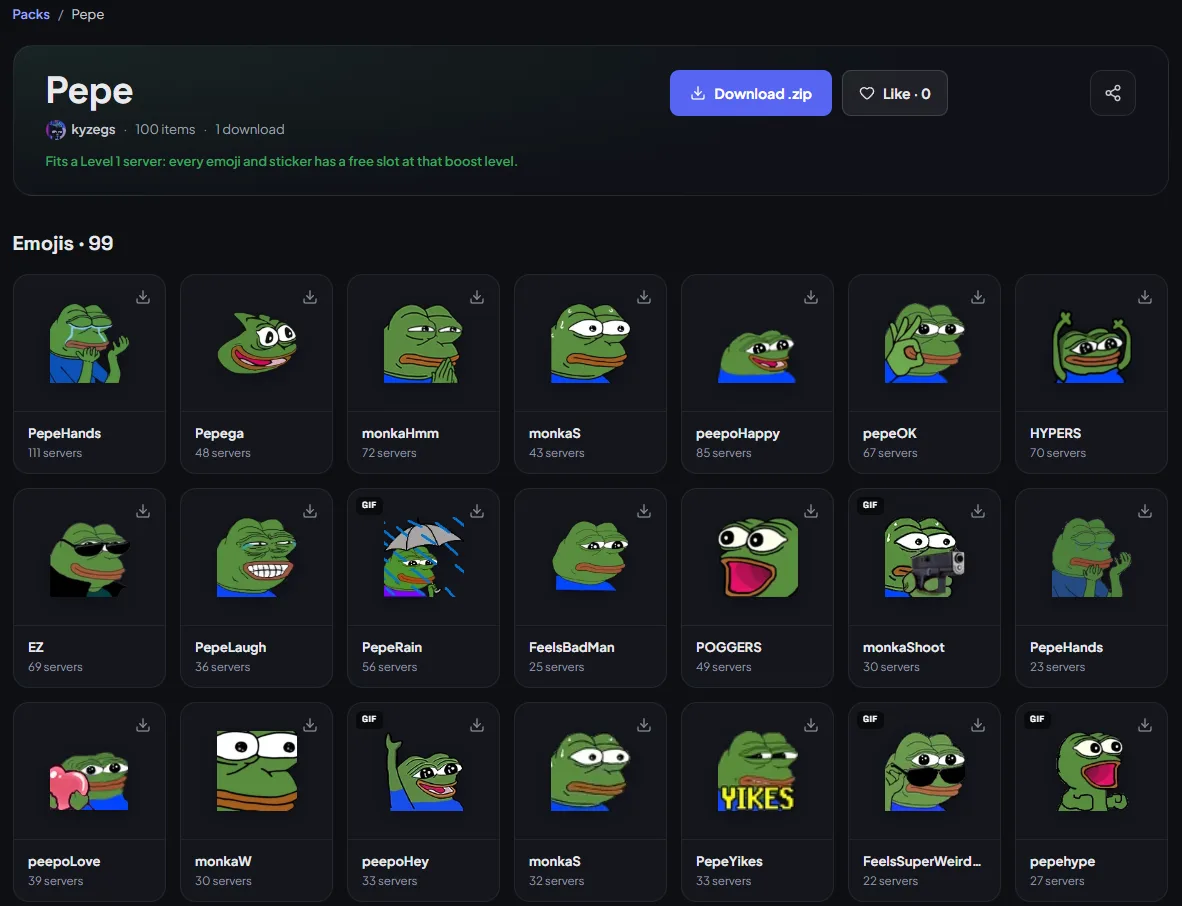
A pack is a named set of emojis and stickers anyone can put together: a starter kit for a new server, every cat emoji worth having, a theme for an event. Each pack downloads as a single .zip and tells you whether it fits. Fits a Level 1 server means its emojis and stickers fit in the slots a server at that boost level has.
Browse them at thediscordlist.com/emojis/packs, sort by Most liked, Newest or Most downloaded, and like the ones you would use. To start your own, press Add to pack on any emoji or sticker. A pack holds up to 100 items and can be public, unlisted or private.
Upload your own
Made something? Upload it. Emojis can be PNG, GIF, WebP or JPG up to 256 KB. Stickers are PNG or GIF, exactly 320 × 320 and up to 512 KB. Those are Discord's own limits, so anything that goes up here also works there. You can send ten files at a time.
Each file is processed within a few minutes and checked before it goes public. If it is already in the directory, you are credited on its page instead. My uploads shows where each file stands, and the people whose uploads fill the directory are ranked on Top creators.
For server owners
If your server is listed here, its custom emojis and stickers are part of the directory, credited to your server with a link to join. That puts your server in front of people who were never searching for a server like yours: they came for an emoji, saw where it lives, and joined.
Would you rather not? Open Manage → Discovery on your listing and turn off List emojis and stickers in the directory. They are gone within a minute.
Anything that should not be there can be reported from its own page. Our moderation team reviews every report, usually within 24 hours.
Take a look
Start at thediscordlist.com/emojis, or list your server to put its emojis in front of everyone browsing.