
Find Discord servers and bots by asking Claude or ChatGPT
TheDiscordList now runs an MCP server, so AI assistants can search the directory for you. Describe the server, bot or emoji you want in your own words and get real listings back, with links that join or add them.
Search boxes want keywords. People think in sentences: "a moderation bot that also keeps logs", "a small, active Valorant server for EU players". TheDiscordList now speaks to AI assistants directly through an MCP server, so you can ask in the sentence and let the assistant do the searching.
What the assistant can do
Six tools, listed with the rest of the API documentation:
| Tool | What it does | Needs sign-in |
|---|---|---|
search-listings |
Search Discord servers and bots | No |
get-listing |
Get one server or bot in full | No |
search-media |
Search emojis and stickers | No |
browse-categories |
List the categories and tags it can filter by | No |
my-listings |
Your own servers and bots | Yes |
add-to-server |
Add an emoji or sticker to a server you manage | Yes |
Searching needs no account. The query is matched on meaning as well as words, so a plain description works. Results are the same public listings you see on the site, safe-for-work only, each with a page link and a join or install link.
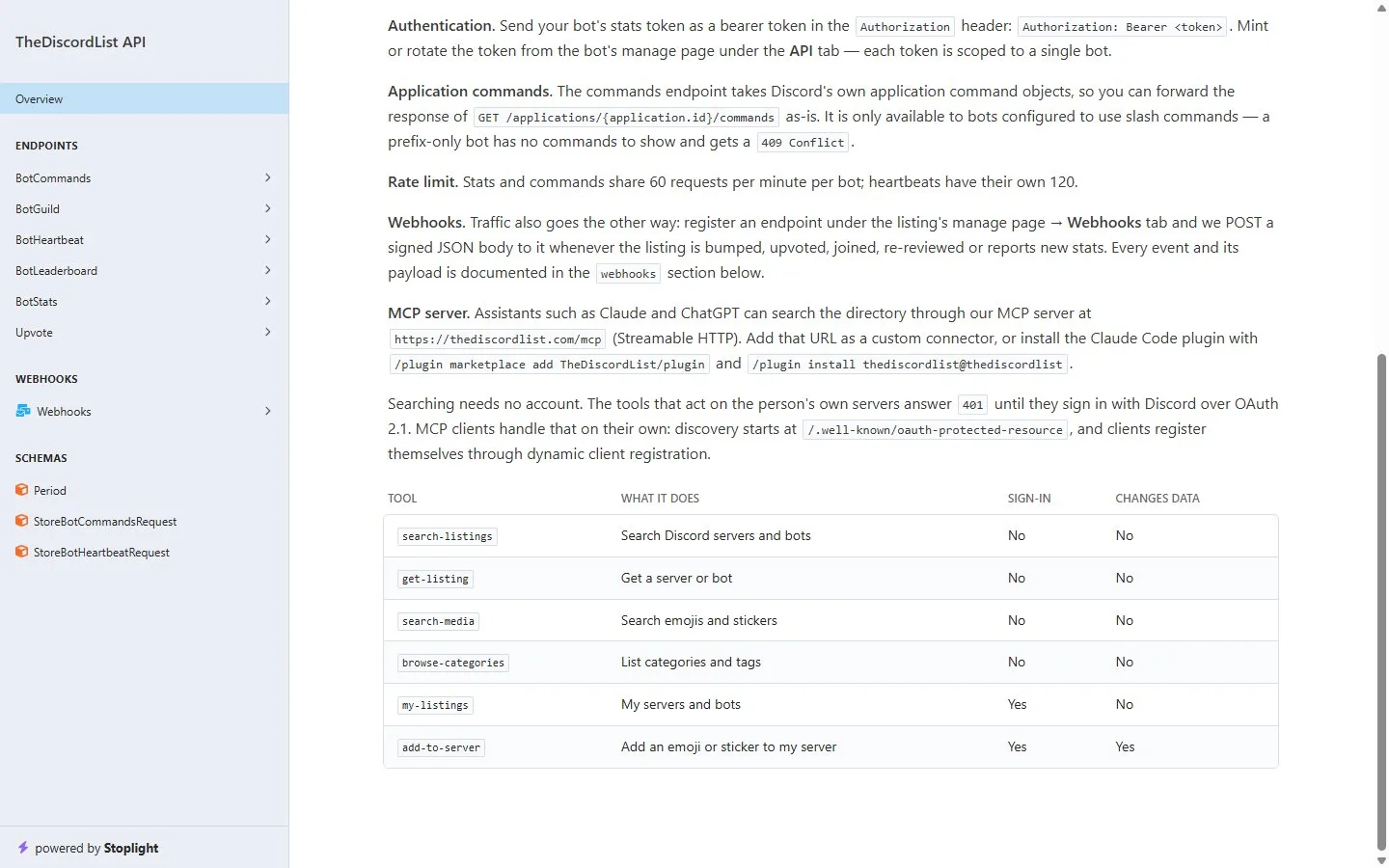
The MCP section of the API docs: one URL, six tools, and which ones need you to sign in.
Connect it
The server lives at:
https://thediscordlist.com/mcp
Claude. Add that URL as a custom connector in Claude's connector settings. Searching works straight away.
ChatGPT. Add the same URL as a custom connector (MCP server) in ChatGPT's connector or app settings. Where this option lives, and whether it is available, depends on your plan, so check OpenAI's help pages if you cannot find it.
Claude Code. Install the plugin:
/plugin marketplace add TheDiscordList/plugin
/plugin install thediscordlist@thediscordlist
Anything else that speaks MCP. The server uses Streamable HTTP. Clients that need sign-in discover it from /.well-known/oauth-protected-resource and register themselves, so there is nothing to configure by hand.
What to ask
Describe what you want the way you would to a friend:
- "Find me a moderation bot with auto-mod and logging." For that exact request the directory returns bots such as Circle, GS Defender and BL LOGS, each with its server count and an add link.
- "An active Minecraft SMP server, small enough that people know each other."
- "Show me animated cat emojis."
- "Which bot categories are there?"
Ask for "a server" or "a bot" if it matters. Servers are the default.
Signing in for your own servers
Two tools act on your own account. my-listings shows the servers and bots you manage on TheDiscordList, and add-to-server puts an emoji or sticker from the directory into a server you run, without downloading and re-uploading it. The first time you use either, your assistant asks you to sign in with Discord. TheDiscordList never sees your Discord password, and you can revoke the connection at any time.
For server owners and bot developers
Every link an assistant hands out is a normal TheDiscordList join or install link, so joins from it count in your listing's statistics like any other.
What decides whether an assistant finds you is your listing. Search runs on meaning, so a summary that says plainly who the server is for and what happens there gets matched to the right questions. A description stuffed with keywords does not. Why your server listing is (or isn't) on Google covers how to write one that works for search engines, and the same rules work here.
Not listed yet? Add your server or list your bot, and the next person who asks an assistant for something like it can find you.