
Discord Music Bots: What Still Works and Why
The two biggest music bots were shut down in 2021 and the category never went back to normal. Here is what survived, why it survived, and how to pick one that lasts.
In 2021 the two largest Discord music bots, Groovy and Rythm, shut down after legal pressure from YouTube. Between them they served tens of millions of servers. Everything about music bots since then is a reaction to that event. Rythm itself relaunched in 2024 as a licensed music service, which proves the point below: the bot was never the problem, the audio source was.
Why the big ones disappeared
Those bots streamed audio pulled from YouTube, which the platform's terms do not permit. Once the notices landed, the largest operators complied and closed. Nothing about Discord itself changed. The rights problem lives between the bot and the audio source.
That is the most useful thing to understand as a server owner: a music bot's survival depends on where it gets audio, not on how good the bot is. A bot that relies on scraping a video platform carries permanent shutdown risk no matter how many servers it has.
The four shapes of music bot that exist now
| Model | How it sources audio | Risk of disappearing |
|---|---|---|
| Public bot, scraped sources | Pulls from video platforms | High, this is what killed the giants |
| Public bot, permitted sources | Streams that allow it, direct file and radio URLs | Lower |
| Self-hosted bot | You run it, you choose sources | Low, but the uptime is yours |
| Discord-native audio | Someone streams in a voice channel, or Spotify listen-along via Rich Presence | None, it is a first-party feature |
Most people arrive wanting the first option back at the old scale. It is not coming back.
What actually survives
Self-hosting is the honest answer for a server that cares about uptime. Lavalink is the standalone audio node most music bots are built on; you run it alongside an actively maintained open-source bot (check its last commit) and point it at sources you are comfortable using. No queue caps and no premium paywall, but self-hosting does not change any platform's terms: if YouTube is one of your sources, the problem that ended Groovy applies to you too, and Lavalink's built-in YouTube source is deprecated in favour of a plugin that breaks whenever YouTube changes. You are also the one on call when the node dies.
Among hosted bots, the survivors share three traits: a paid tier that funds the operation, a broad source list rather than one platform, and a team that posts publicly when something breaks. Browse the music bots category and rank your shortlist on those signals rather than server count. A bot in 400,000 servers with no update in eight months is a worse bet than a smaller one with an active changelog.
The five-minute check before you invite one
- Last update. Look at the bot's site, repository or support server for activity in the past 60 days. Silence is the reliable warning sign.
- Support response time. Ask a question in its support server. If nobody answers in a day, that is your future outage experience.
- What sits behind the paywall. Free tiers now commonly cap queue length, disable playlists or limit audio quality. Find out before your community gets attached.
- Permissions requested. A music bot needs Connect, Speak, View Channel, Send Messages and Embed Links. If it asks for Administrator or Manage Server, close the tab.
- Behavior under load. Test with five people in the channel, not one. Stutter only shows up with listeners.
Set it up so it does not become a support burden
Music is the most argued-about feature in most communities. Configuration matters as much as the bot choice.
- Create one dedicated voice channel and one text channel for commands. Deny the bot Send Messages everywhere else so queue spam stays contained.
- Create a DJ role and restrict skip, stop, clear and volume to it. Most music bots support this natively. Without it, one person skips everyone else's queue and you get a mod ticket.
- Confirm the bot cannot Manage Channels or Manage Roles. It has no reason to.
- Enable auto-disconnect when the voice channel empties, so it is not idling for hours.
- Put the rules in the channel topic: one queue, DJ role settles ties, no volume spikes. Enforcement is easier when the rule is visible.
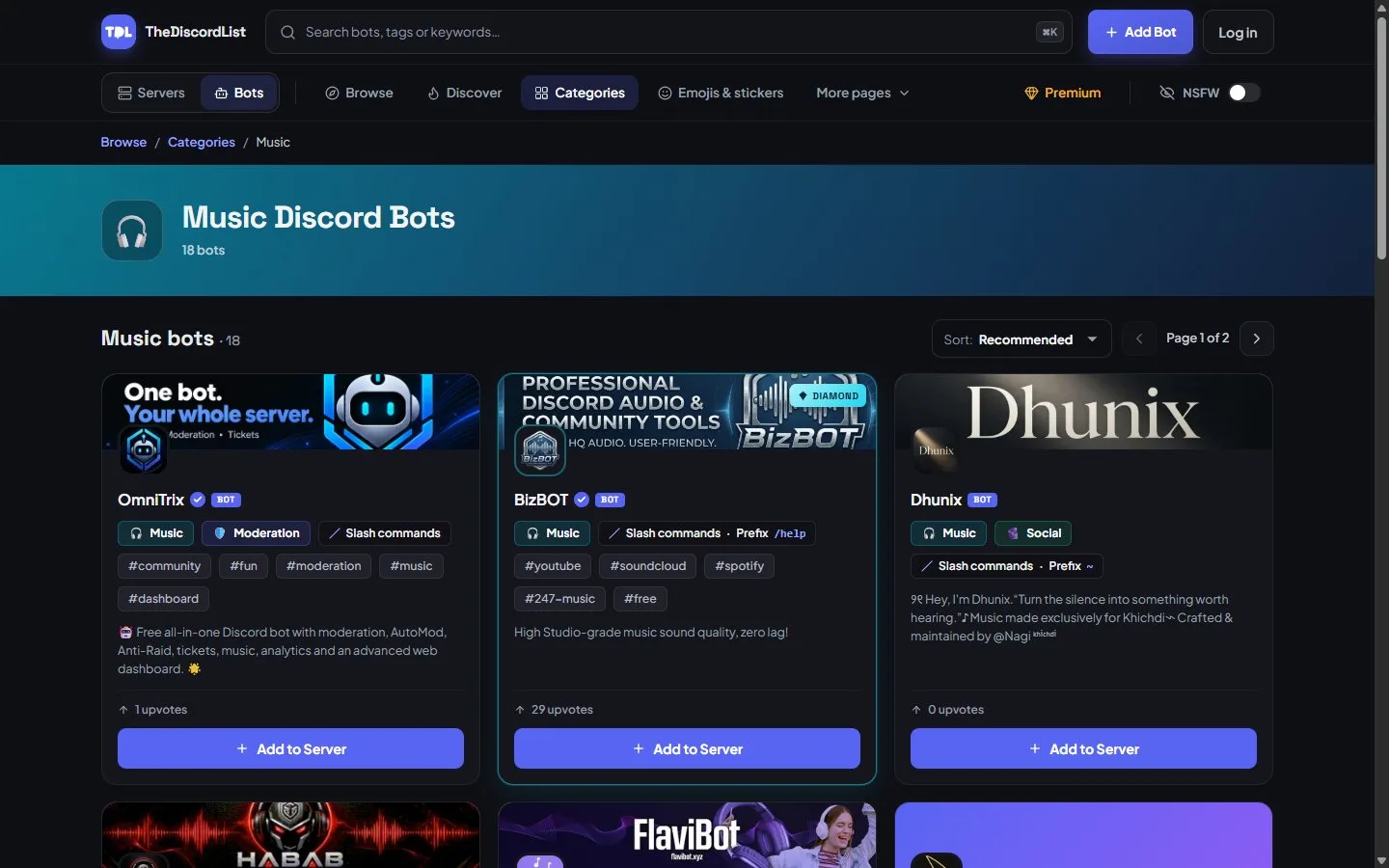
The music category on TheDiscordList. Server counts are reported by the bots themselves, so a sudden drop is visible.
Have a fallback ready
Assume your music bot will go down at some point, because the category's history says it will. Cheap insurance is a second bot already invited with no permissions, kept dormant, so switching takes thirty seconds instead of an evening.
Pick that fallback now. Shortlist two alternatives from the music category, test both in a private server this week, and find out which one your members prefer before you need the answer.