
How Many Discord Bots Ask for Administrator? We Checked 315
We decoded the invite links of all 315 bots on TheDiscordList. Four in ten that ask for specific permissions want Administrator, moderation bots included.
Administrator is the one permission that switches every other check off. A bot holding it can read every channel, including the staff channels you locked down, and change anything below it. So we wanted to know how often bots ask for it.
On 3 October 2026 we read the invite link of every bot listed on TheDiscordList, 315 of them, and decoded the permission number inside it.
The numbers
| Category | Bots | Invite asks for specific permissions | Of those, asks for Administrator |
|---|---|---|---|
| All bots | 315 | 258 | 102 (40%) |
| Moderation | 135 | 106 | 39 (37%) |
| Auto-moderation | 30 | 22 | 13 (59%) |
| Leveling | 30 | 26 | 12 (46%) |
| Utility | 18 | 12 | 5 (42%) |
| Music | 14 | 13 | 5 (38%) |
| Tickets | 7 | 6 | 2 (33%) |
57 of the 315 links carry no permission number at all: those bots join with no permissions, and you grant what they need by hand. Of the 258 that ask for something specific, 102 ask for Administrator, four in ten. Among auto-moderation bots it is more than half.
The smaller categories are small samples; the overall figure is the one to lean on.
Why it matters most for moderation bots
A moderation bot is the bot most worth attacking and the one with the most to break. It reads every message, and it can ban, kick and delete. Add Administrator on top and:
- channel permission overwrites stop applying to it, so it reads private channels you never meant it to see;
- a leaked token or a compromised dashboard login becomes a full server takeover, not a moderation incident;
- a bug in one command can act on every channel at once.
None of the jobs a moderation bot does needs Administrator. The list it actually needs is short: View Channels, Send Messages, Manage Messages, Kick Members, Ban Members and Timeout Members, plus View Audit Log if it keeps logs. Discord bot permissions explained has the table for every kind of bot.
How to invite a bot with less
You do not have to accept what the link asks for.
- Untick it on the authorize screen. Discord lists the requested permissions and lets you deselect them, Administrator included, before you approve.
- Edit the number yourself. The
permissions=value in the invite link is a bitfield. Swap in a smaller one and the bot asks for less. Good bot documentation names the minimum it runs on. - Fix it afterwards. Server Settings, Roles, the bot's role. Removing Administrator there does not uninstall the bot, and anything that breaks tells you what it really needed.
Then drag the bot's role directly below your human staff roles, so it can moderate members but never your moderators.
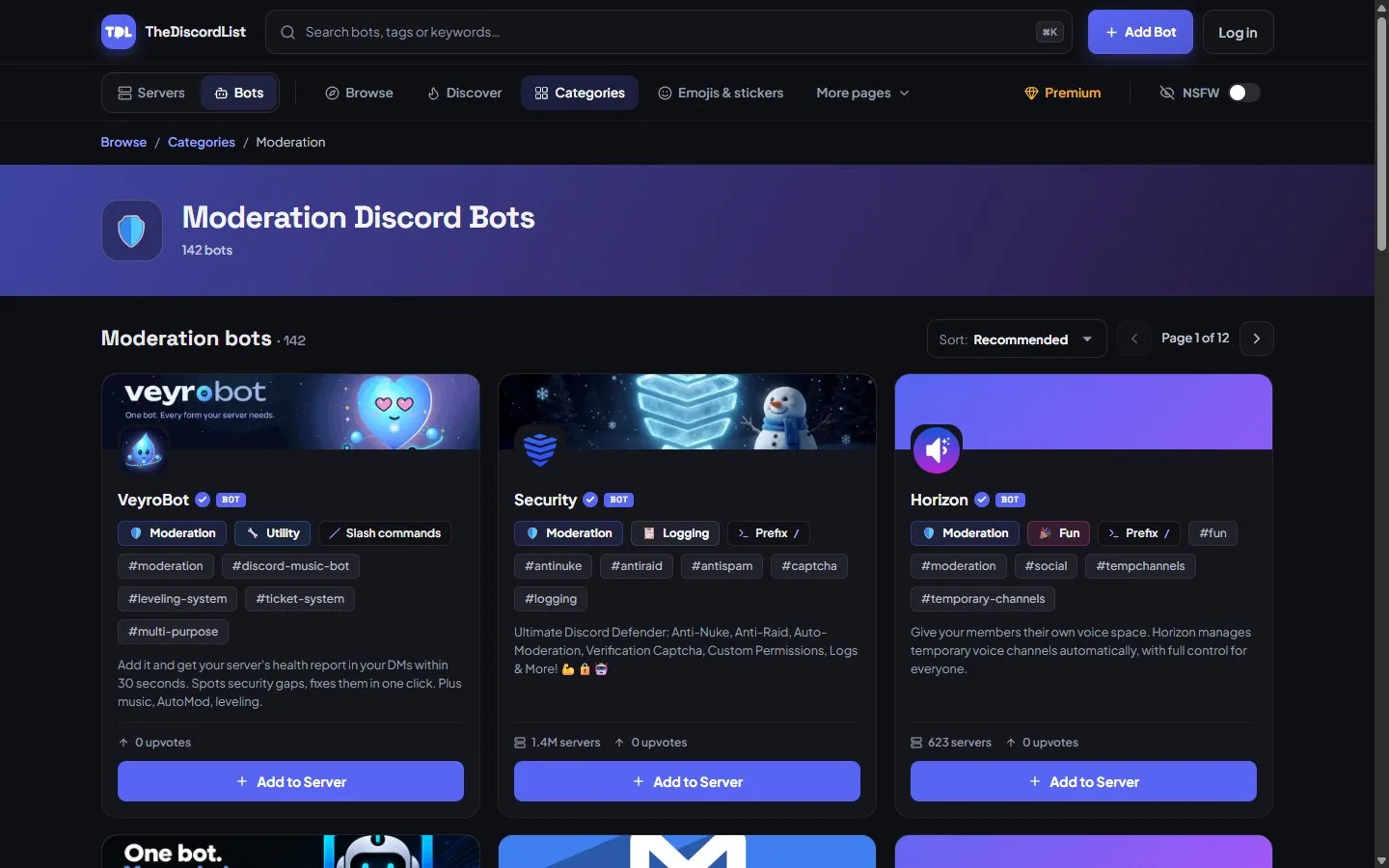
Moderation bots on TheDiscordList. Open a listing to check what it asks for before you invite it.
If you build the bot
Ask for the permissions your commands use, and say why in your listing. The careful server owners are the ones who read the authorize screen, and they run the servers worth being in. When you list a bot on TheDiscordList, the wizard builds the invite link from the permissions you tick and flags the risky ones before you save.
Browse the moderation and auto-moderation categories, and look at the invite before you click it.