
The Essential Discord Bots for a New Server
A new server needs four or five bots, not fifteen. Here are the jobs worth filling, in the order to fill them, what permissions each one really needs, and how to add a whole starter set from one page.
The fastest way to make a new server feel unfinished is to give it fifteen bots. Every bot is another set of permissions, another command prefix and another thing that breaks when its developer stops maintaining it. Start with the jobs, not the bots, and fill only the ones you have.
The order that works
| Order | Job | Why now |
|---|---|---|
| 1 | Moderation and auto-moderation | Spam and raids hit new public servers first |
| 2 | Logging | Without logs, every dispute is one word against another |
| 3 | Roles | Lets members pick pings and channels without asking you |
| 4 | Tickets | Only once support questions start piling up in chat |
| 5 | Leveling or economy | Only once there is a conversation worth rewarding |
| 6 | Fun, music, games | Last, and only what people actually ask for |
Many multipurpose bots cover the first three jobs in one install. That is fine, and often better: fewer bots, fewer permissions. Just make sure the one you choose does each job well rather than all of them badly.
1. Moderation first
Discord's own AutoMod blocks spam and slurs before they post, and costs nothing. A moderation bot adds what AutoMod lacks: warnings that add up, timeouts on a schedule, case history and appeals.
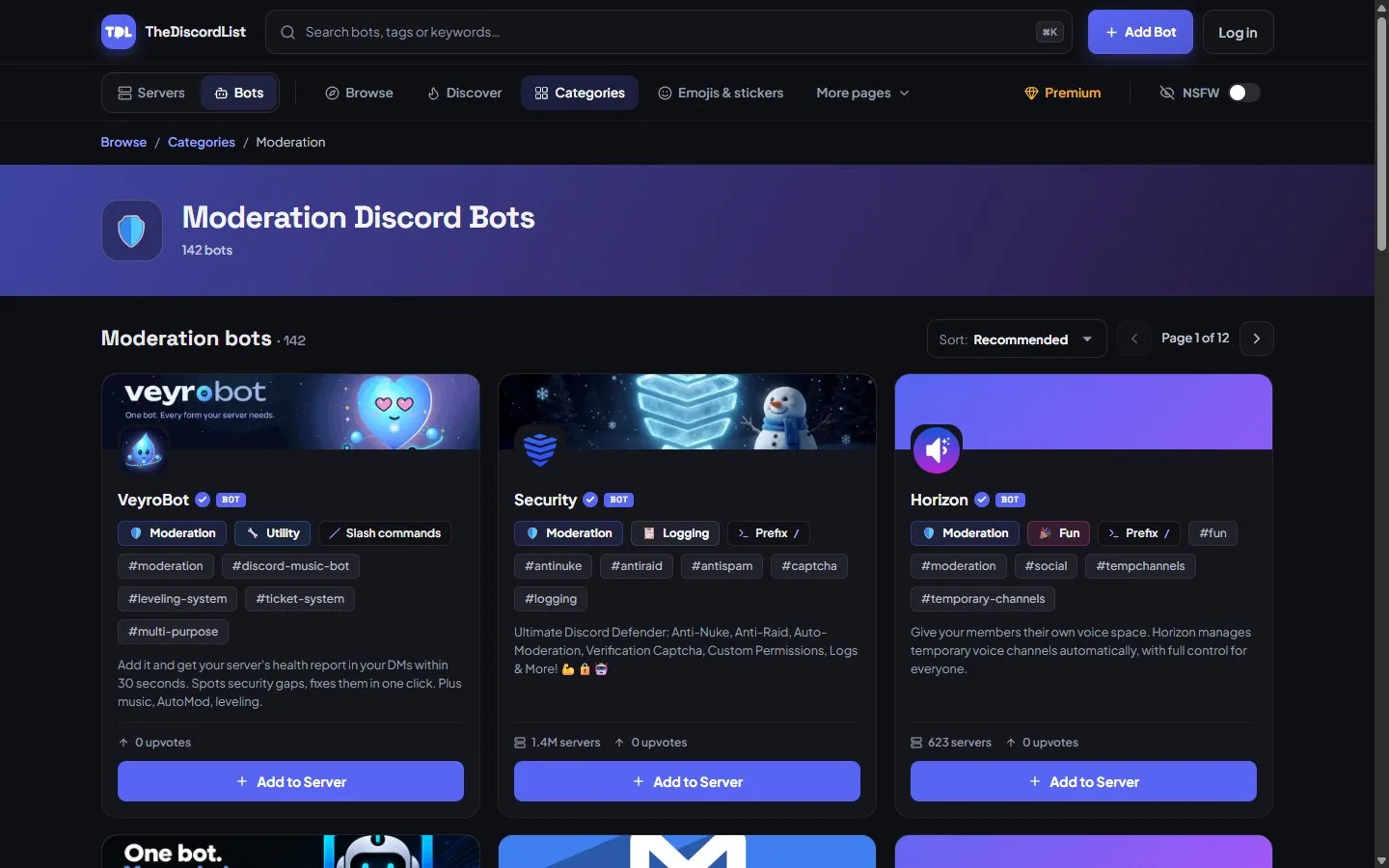
Moderation bots on TheDiscordList, with server counts reported by the bots themselves.
Permissions it needs: Moderate Members, Manage Messages, Kick and Ban Members. It does not need Administrator. When we checked 315 bots, a surprising share asked for it anyway, and untick it on the install screen if yours does.
Browse moderation and auto-moderation bots.
2. Logging
A logging bot records deleted and edited messages, joins, leaves and role changes in a staff-only channel. You will not need it most days, and on the day you do, nothing else will help. Pick one from the logging category and point it at a private channel.
3. Self-serve roles
A reaction role bot posts a panel where members pick their own roles: event pings, games, regions, colours. Buttons beat emoji reactions; they label each choice clearly and do not break when someone deletes an emoji. The bot's role must sit above every role it hands out, which is the cause of most "it does not work" reports.
4. Tickets, when you need them
Under a hundred members, a pinned FAQ and a help channel are enough. Once questions start getting lost, a ticket bot turns DMs to whichever moderator is online into a queue with a private channel or thread per request.
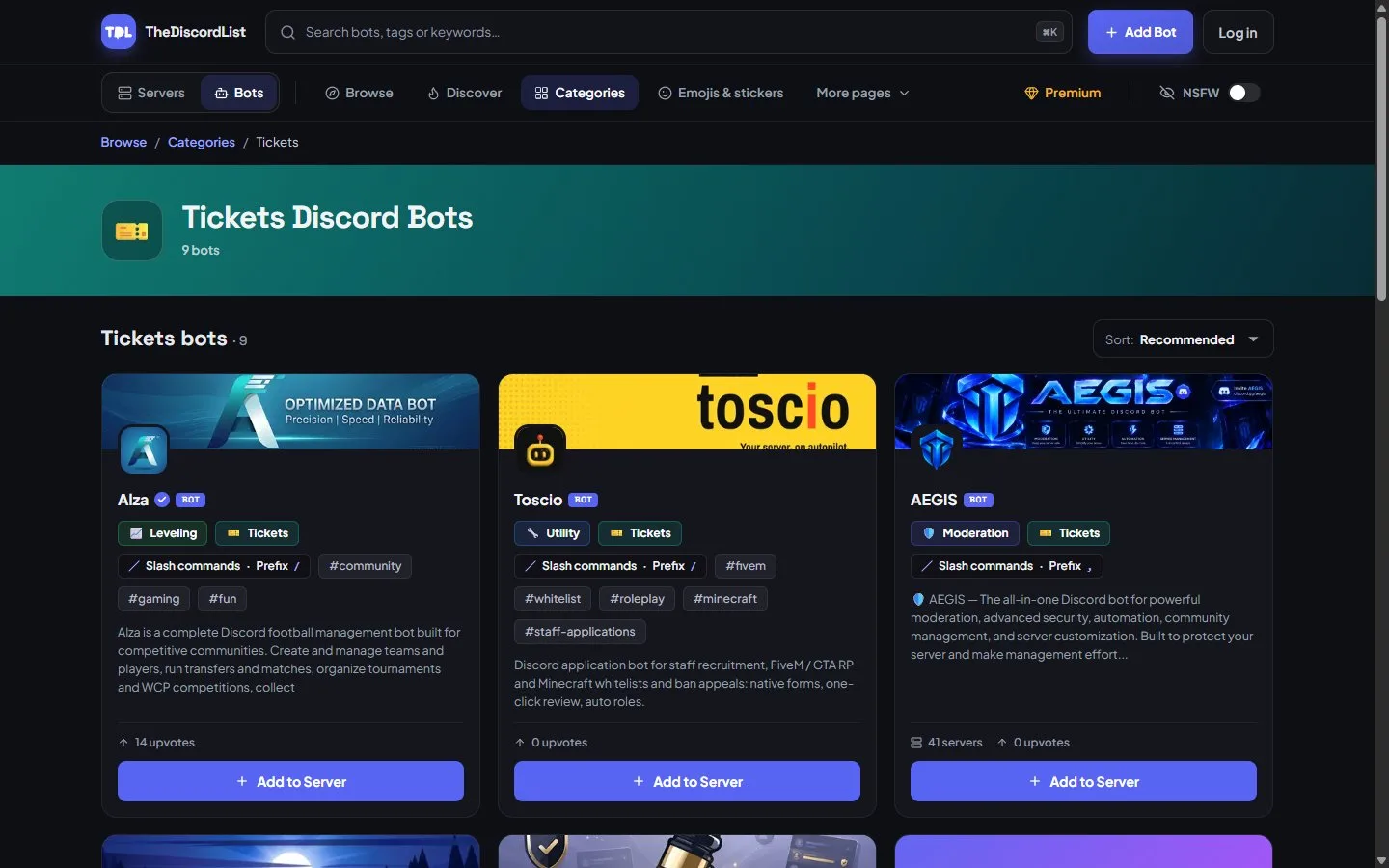
Ticket bots on TheDiscordList. Check whether a bot uses channels or threads before you commit.
5. Leveling, carefully
XP rewards whatever it counts, so set it up deliberately: a cooldown of about a minute, no XP in bot-command and meme channels, and level-up messages out of your main chat. Compare options in the leveling category, or let your multipurpose bot handle it.
6. Fun, music and games last
Add these when members ask for them, not before. Music bots in particular come and go, so check one still works before you build a channel around it. Giveaway bots are worth having once you run events.
Add a whole starter set at once
Bot packs are hand-picked sets of bots for one kind of server, with a note on why each one is there. Open a pack, and its step-by-step install walks you through adding each bot in order, without hunting for invite links. The Getting Started pack covers the basics for a brand-new server, and you can build and share your own.
Before you press Add to Server
Every bot page on TheDiscordList shows what you need to decide:
- The commands, posted by the bot itself, so you can see whether it does what you need.
- Server count and the verified check mark, two quick trust signals.
- Live status and uptime, for bots that run a hosted status page.
- The support server, for when something breaks.
Then read the permission screen properly. Discord bot permissions explained covers what each permission really grants, and how to audit your bots helps you remove the ones you stopped needing.
The short version
Moderation, logging and roles on day one. Tickets and leveling when the server needs them. Fun last. Four or five bots, each with the least permission that does its job.
Browse Discord bots. Built one yourself? List your bot for free and get it in front of server owners going through exactly this list.